View My Open Items in the Portfolio Tool
Background
The Portfolio tool includes a My Open Items list that shows all of the open items on your company's projects that require you to complete an action.
Things to Consider
Required User Permission:
To view 'My Open Items', Read Only level permission or higher on the company's Portfolio tool.
Steps
View My Open Items | Legacy Experience
Navigate to your company's Portfolio tool.
The Portfolio page appears. After you create a project, this page lists all the projects in your company's Procore account.Click My Open Items.
This reveals the My Open Items page, which lists your open items by Project Name, Item Type, Details, and Status. This list is also sorted by Due Date.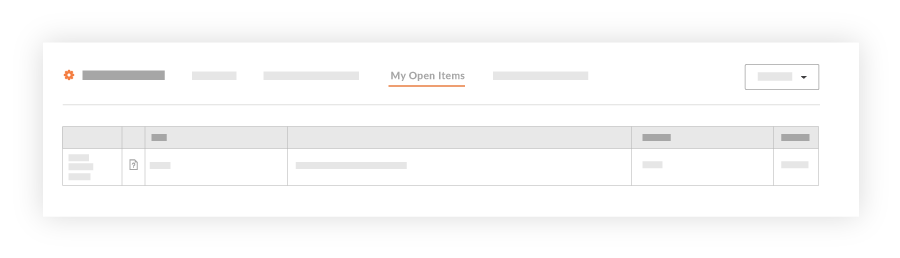
Choose from these options:
To navigate to the project's Home page, click the Project Name link.
To open the project item, click the Details link.
View My Open Items | Beta Experience
In Beta
Company Administrators can enable the Consolidated My Open Items Workspace beta feature in Procore Explore.
View My Open Items (Beta)
There are three ways to access the My Open Items (Beta) workspace at the Company level:
Review the My Open Items Table
The table provides a comprehensive view of all items assigned to you across all projects and companies.
Filter and Sort Options
Quickly filter and organize your open items to focus on what matters most.
Note
During the Consolidated My Open Items Workspace Beta phase, you will only see cross-company items that originate from companies within the same data zone as your company (e.g., if your company is in the USO1 zone, you will only see cross-company items from other USO1 companies).
General Availability (GA) Scope: The full release will expand to show cross-company items from both US data zones (USO1 and USO2).
Users who have a large number of open items across many projects may notice longer-than-expected loading times for the My Open Items page. We are working to improve the response time for this page before the general availability (GA) release.