Change the Status of a Task (Android)
Background
You can change a task's status while editing it in the Tasks tool.
Note: If you have completed the work associated with a task and want to close it, choose the Closed status. If you want to close a task without completing it because the work is no longer required, choose the Void status.
Things to Consider
Required User Permissions:
Additional Information:
You can edit the Due Date and Status fields of a task directly from the Tasks page.
You can also change the status of a task when adding a comment.
When a task is placed into the 'Void' or 'Closed' status, the system will no longer send automated email notifications for that task.
Steps
Navigate to the Tasks tool using the Procore app on an Android mobile device.
Tap the task you want to change the status of.
Tap the task's current status.
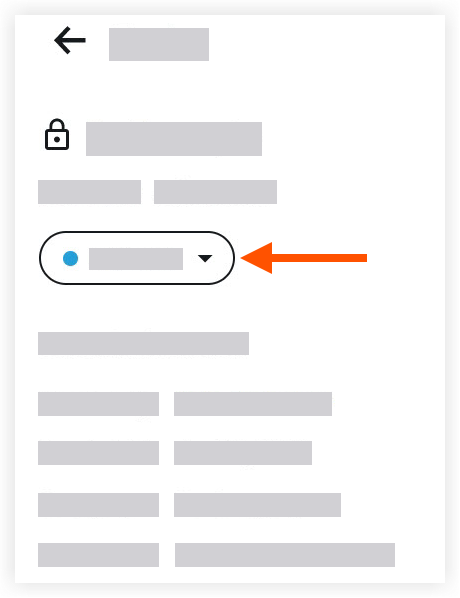
Tap one of the following options:
Note: This action automatically updates the task item's status.Initiated
In Progress
Ready for Review
Closed
Void
See Also
Loading related articles...