View a Task
Background
The Tasks tool enables you to track and manage action items throughout your construction project's lifespan. After creating tasks, you can view their general information, related items, and change history.
Things to Consider
Required User Permissions:
To view any task and the change history of a task: See Tasks - User Permissions.
Additional Information:
Some image attachments may include the option to view them in a map view based on the files' GPS coordinates. See Which Procore tools let me view digital image attachments in a map view?
Steps
Navigate to the project's Tasks tool.
Click View next to the task you want to view.
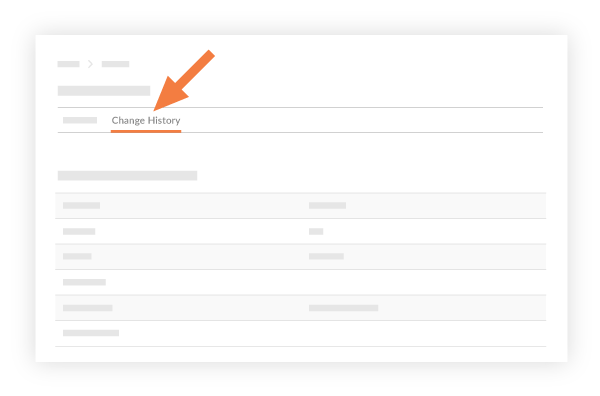
(Optional) If you want to view the change history of a task, click the Change History tab.
See Also
Loading related articles...