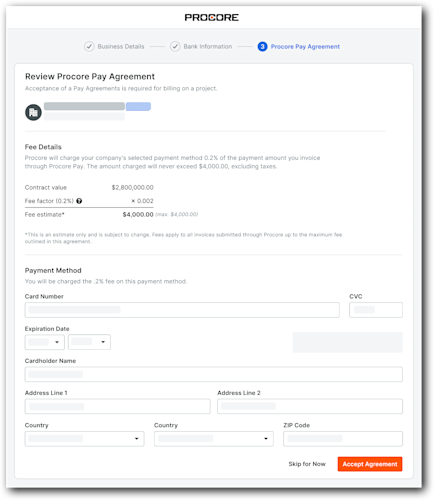
Accept an Invitation from a Payor
Go to your email client and look for the Procore Pay email. The subject line is "Set Up Procore Pay to Receive Payments from [Company Name]."
Important
Unsure who in your company has the authority to set up your Procore account or add bank information? Contact your manager or finance department to identify the correct internal lead, then reach out to the sender to have a new invitation sent. Because the person logging in must be the specific individual who received the invite, the GC will need to update and reassign any invites to the correct person. To maintain security and control, previously sent invites will no longer work and will advise the user to reach out to the GC; users at the GC authorized to send invites must manage the invite process entirely to ensure the new recipient has proper access.
Please note that all invitations expire 14 days after they are issued. If your invitation has expired, please contact your General Contractor to request a new invitation.
Click Open Procore. This opens the 'You Have Been Invited to Receive Payments Through Procore Pay' page. 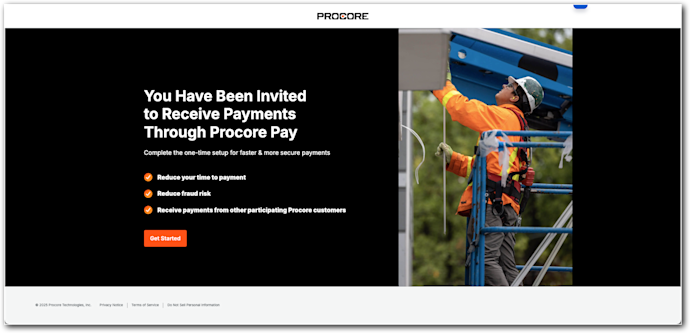
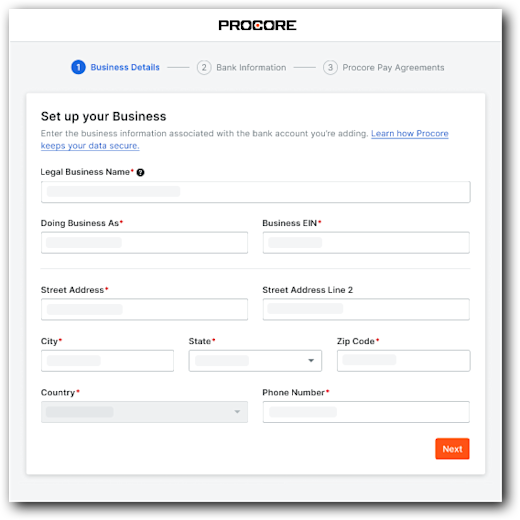
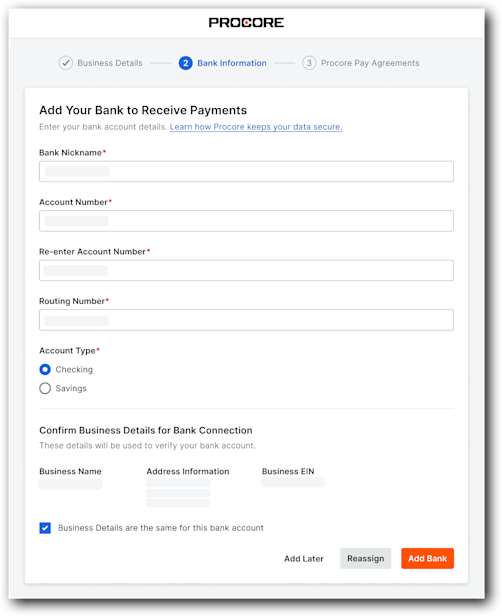
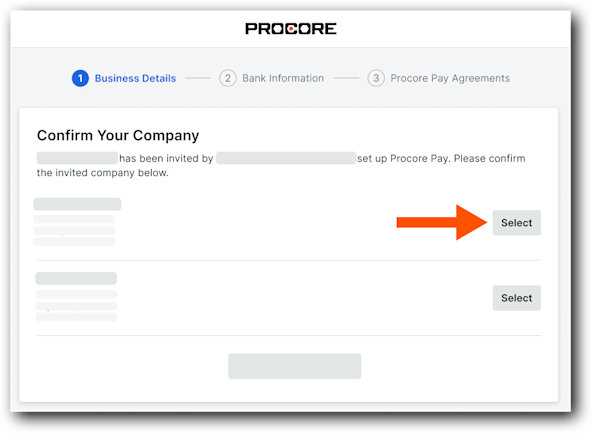
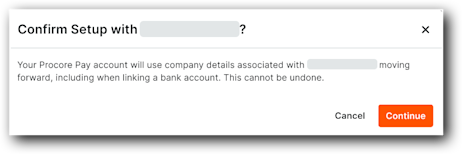
Click Get Started. The steps depend on whether your company has a Procore company account:
Tip
Unsure if your company has a Procore account? See How can I tell if I have a free or paid Procore company account?