Export a List of Coordination Issues
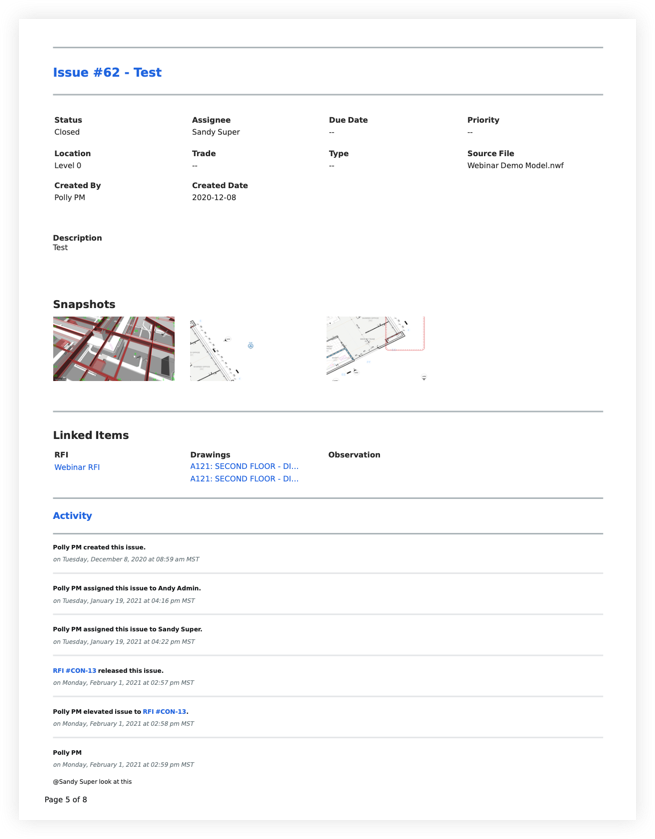
Exporting a list of coordination issues from your project provides a report of the coordination issues along with their general information and snapshot(s).
Things to Consider
Additional Information:
You can search for and filter coordination issues to narrow down the list of coordination issues included in the export. See Search for and Filter Coordination Issues.
To export successfully to BCF, issues must have an associated viewpoint.
Steps
Navigate to the project level Coordination Issues tool.
Choose from these options:
To export the entire list, click the Export button to see your format options.
To export a filtered view, apply the filters you want. Then click Export.
Choose a format option:
Example
Below is an example of the details included on a PDF export with Activity.