About the Project Home Page
Things to Consider
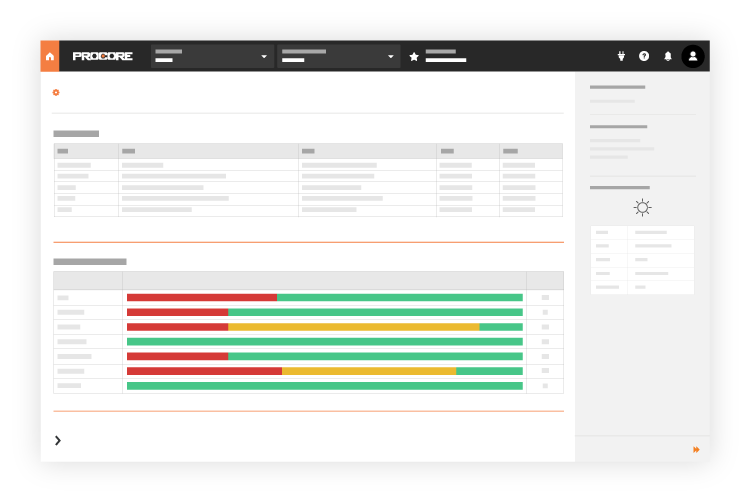
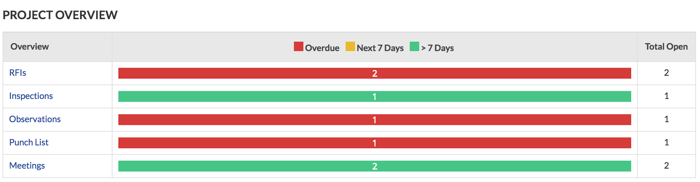
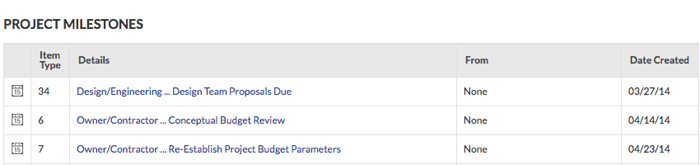
The Project Overview has replaced the legacy Project Home page and is enabled by default. Learn more about the difference between the legacy Project Home page and the new Project Overview.
To return to the legacy Project Home, Company Administrators can navigate to the Company Portfolio / Procore Home tool, click Manage Settings and toggle Project Overview  OFF.
OFF.

However, later this year it will be sunset and will no longer be available. If your company reverted to the legacy Project Home experience, Company Administrators can re-enable the Project Overview by switching Project Overview toggle  ON.
ON.
Required User Permission:
To view the Project Home page, 'Read-Only' level permissions or higher on the project's Home page.
Note: To gain access to linked items in a section, you will require the minimum access permissions for the corresponding tool. For example, if you do not have access to the Inspections tool, you will not be able to view or gain access to Inspections items in the Project Overview.
Prerequisites:
To view tool-specific information on the Project Home page, the tool must be configured as an active tool on the project. See Add and Remove Tools on a Project