Here, you will find answers to all your questions about Procore products and features—more easily than ever before. This is now the only support site for Procore. The previous site (support.procore.com) is now obsolete and will no longer be updated.
Company Administrators can switch between the new Project Overview and legacy Project Home by following the below steps:
Open the Project Overview or Project Home tool.
Locate the Introducing Hubs banner.
Select Manage Settings on the banner.
Toggle Project OverviewON or OFF to switch between the new view and the legacy view.
However, in early 2027, Project Home will be sunset and will no longer be available.
Background
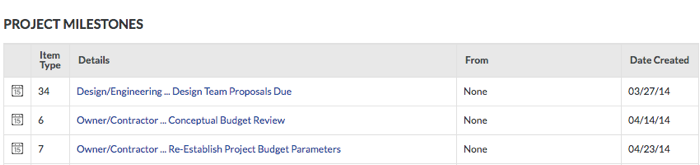
If the Project level Schedule tool (see Schedule) has been enabled on the project (see Add and Remove Project Tools) and tasks on your imported Project schedule have been marked as project milestones, a user with 'Admin' level permission to the Project Home page can turn the display of the 'Project Milestones' section ON or OFF. See Configure Advanced Settings: Project Home.
Steps
Follow the steps in one of these articles to add project milestones to the Project Home page:
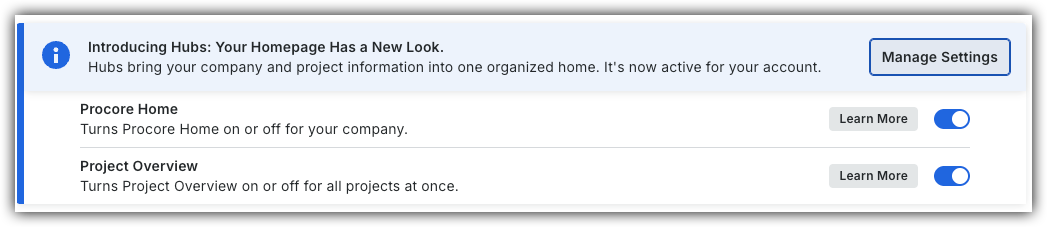
 to switch between the new view and the legacy view.