View the Change History of a Single Punch List Item
Things to Consider
Steps
Navigate to the project's Punch List tool.
Click the Title of the item for which you want to view the change history.
Click the Change History tab.
Note: The number next to "Change History" indicates how many times the item has been edited. The details of each modification as listed in the "Changed" column.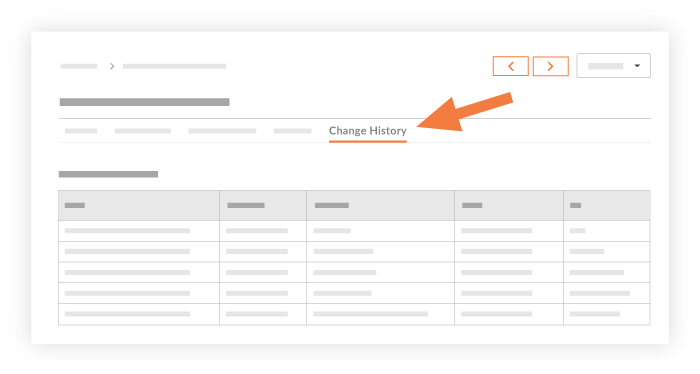
See Also
Loading related articles...