View Read Status for Messages Sent in Resource Planning
Background
You can see if a message you sent to an individual in Resource Planning was opened by the recipient either on the Procore web app, or LaborChart mobile app.
Things to Consider
Read receipts are shown for the following messages:
Messages that were sent to an individual user, not a group.
Messages that were read in-app, either on the Procore web app or LaborChart mobile app.
Read receipts are not shown when a message is viewed via email or SMS.
Steps
Navigate to the company's Resource Planning tool.
Click the Communications (Beta) tab.
Click Messages from the drop-down menu.
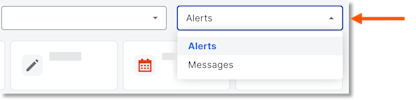
Click Sent.
In the 'Date/Time Sent' column, select the envelope
 icon for the message to view the details.
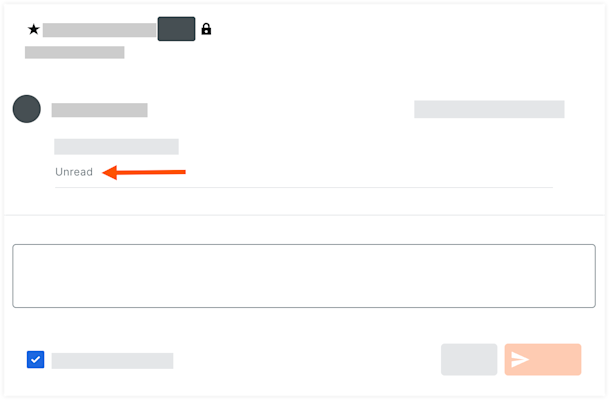
If the message is unread, the word 'Unread' is displayed under the body of the message.
See Also
Loading related articles...